
Integrations
Electra One connects to DAW software and to hardware instruments. This page describes the integrations that exist for it: what each one controls, who maintains it, and where to get it. Each is the work of its authors, and each has its own installation guide covering the controller models, software versions, and firmware it supports.
- Ableton LiveDAW & devices
- DrivenByMossBitwig Studio & Reaper
- KnobConnectorReaper plugin control
- Orestes-OneVCV Rack
- Haken EaganMatrixStandalone · Electra One mk2
Ableton Live
Your session and devices, under your hands.
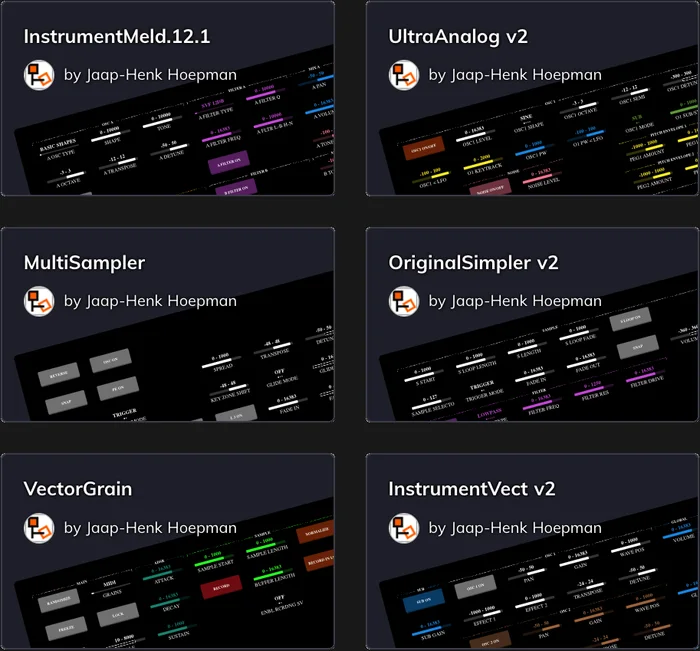
Control the session mixer and the selected Live device with the Electra One MIDI Remote Script. Automatic preset generation and smart defaults reduce manual mapping; a dedicated mixer preset covers track volumes, returns, master, and transport.
Includes over 100 custom-made presets for Live’s built-in devices. Check the project for supported versions and installation steps.
Created by Jaap-Henk Hoepman
DrivenByMoss
Keep the project in view.
Navigate tracks and devices, control project and device parameters, and see track and device information on Electra One. Physical controls and display feedback keep the DAW workflow connected to the hardware.
Created by Jürgen Moßgraber
KnobConnector
Give your plugins a physical interface.
Organize instrument and effect parameters into a navigable control surface on Electra One. KnobConnector focuses on plugin parameters; track levels, transport, and other project functions are outside its scope.
Created by David Schornsheim
Orestes-One
A two-way connection to your modular patch.
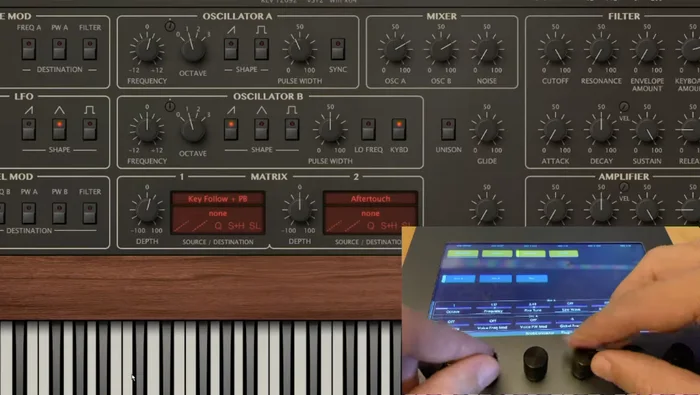
Map VCV Rack parameters to Electra One with bidirectional feedback, manual mapping, automapping, and module navigation. Smooth 14-bit value changes provide precise control.
Touchscreen navigation requires a touchscreen-equipped controller. See the project documentation for model compatibility.
Created by @Phommed
Haken EaganMatrix
Deep instrument control. No editor window.
The Electra One Continuum Controller gives mk2 hands-on access to parameters, macros, preset display, and preset management for supported Continuums and the EaganMatrix Module. Use it independently of the Haken Editor; EaganMatrix preset design remains in the editor.
Designed for mk2 and 2x DSP or greater Continuums, including Slim Continuums, and the EaganMatrix Module. Match your preset to your Haken firmware.
Created by @rkram53 and Simon O'Rorke