Electra One Mini
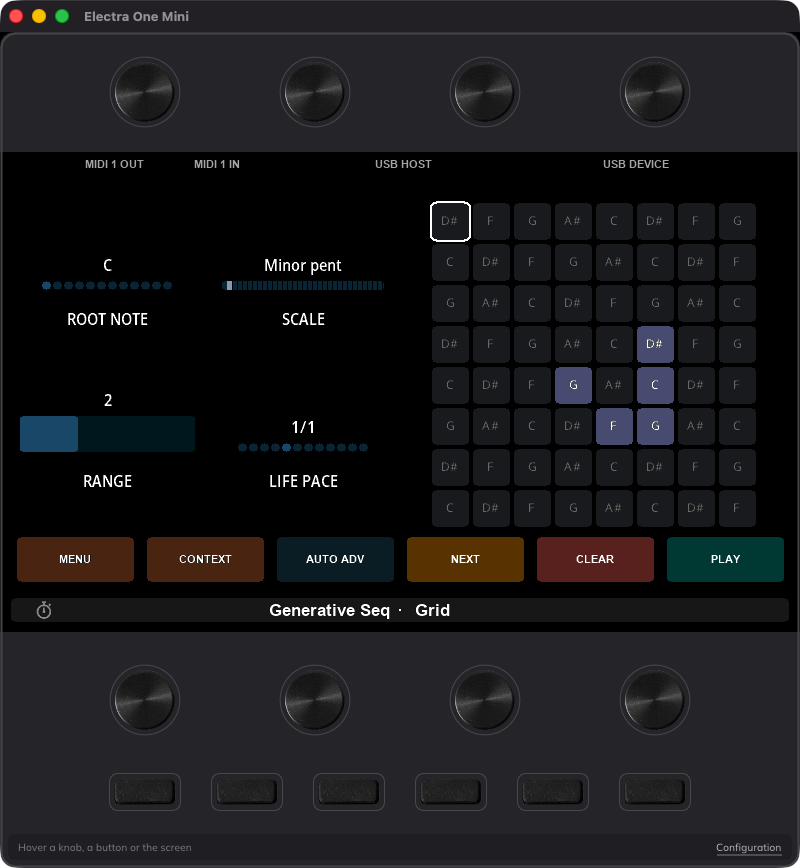
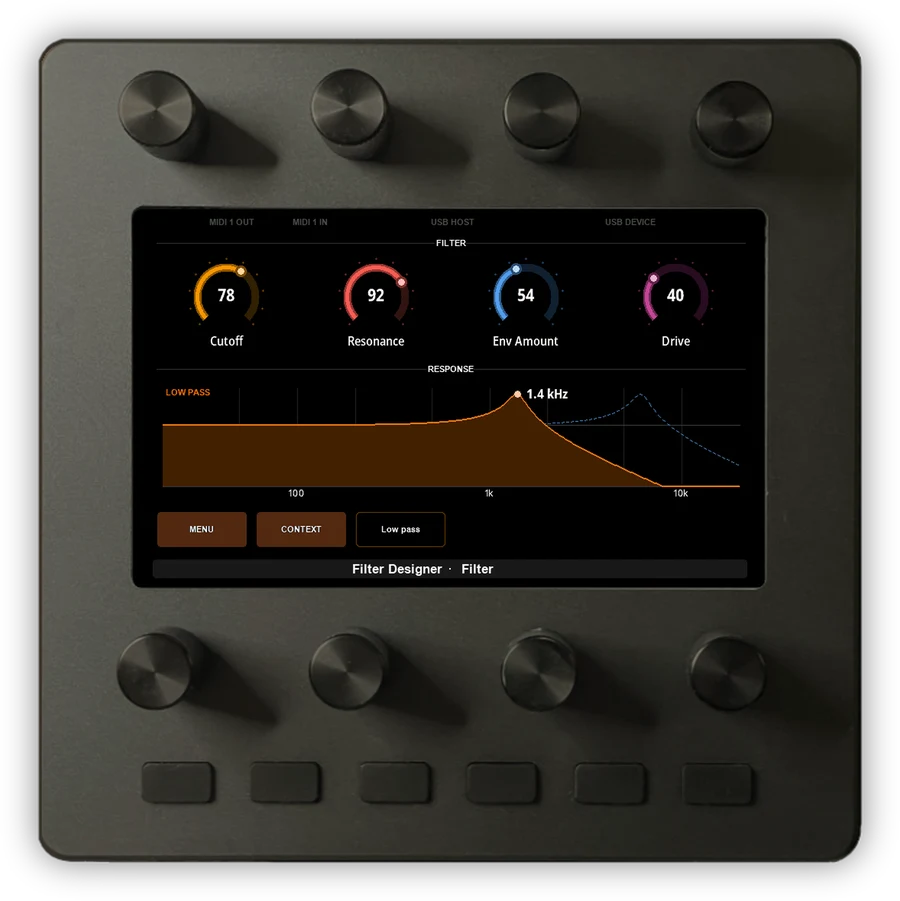
The whole Electra One platform in a compact, knob-first controller. A 140mm / 5.5 in square that fits where a laptop will not.

Work offline. Forever.
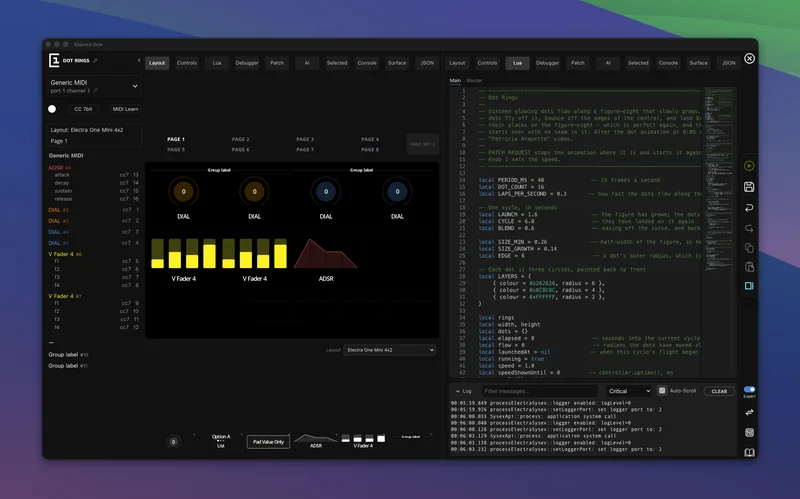
The offline version of the Electra One preset editor, suitable for all hardware controllers. Adds local storage, unlimited preset size, folder watching for Claude Code, Git and external editors, integrated AI on your own key, and complete hardware recovery that lives on your disk rather than on a server.
€49 excl. VAT
Available now. Try it for 30 days. 30-day trial. One-time purchase, two seats, and included updates. The app provides a link to buy and activate your license.
The Editor is the online preset editor, running on your own computer. Layouts and controls, control settings, SysEx templates, patch requests, the Lua editor and debugger, the MIDI console: the same tools, working the same way, so the Preset Editor chapter of the Electra One User Guide describes this program too.
What follows is what the offline version adds on top — five things with no online counterpart at all, because each one needs a disk, a keychain, or a USB port that belongs to you.
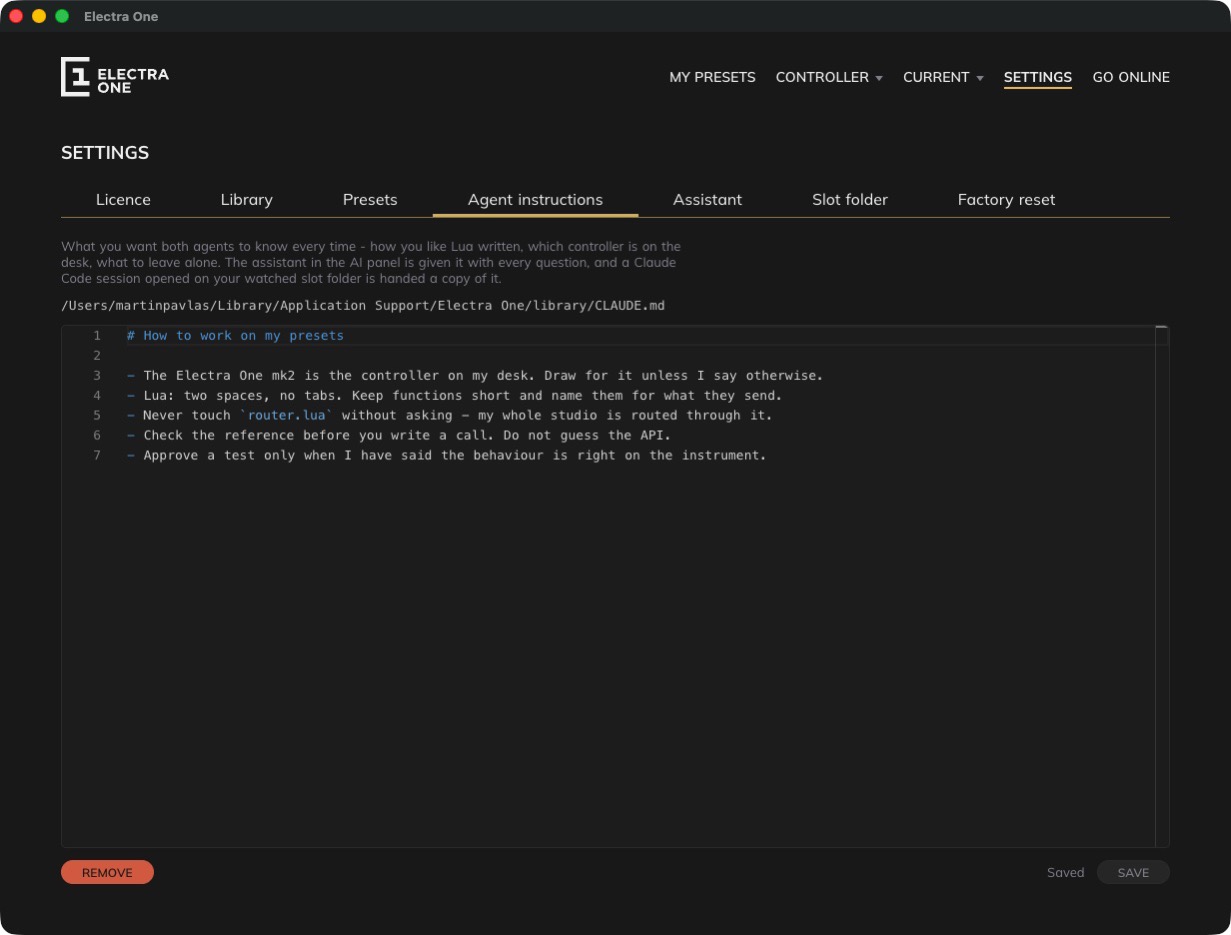
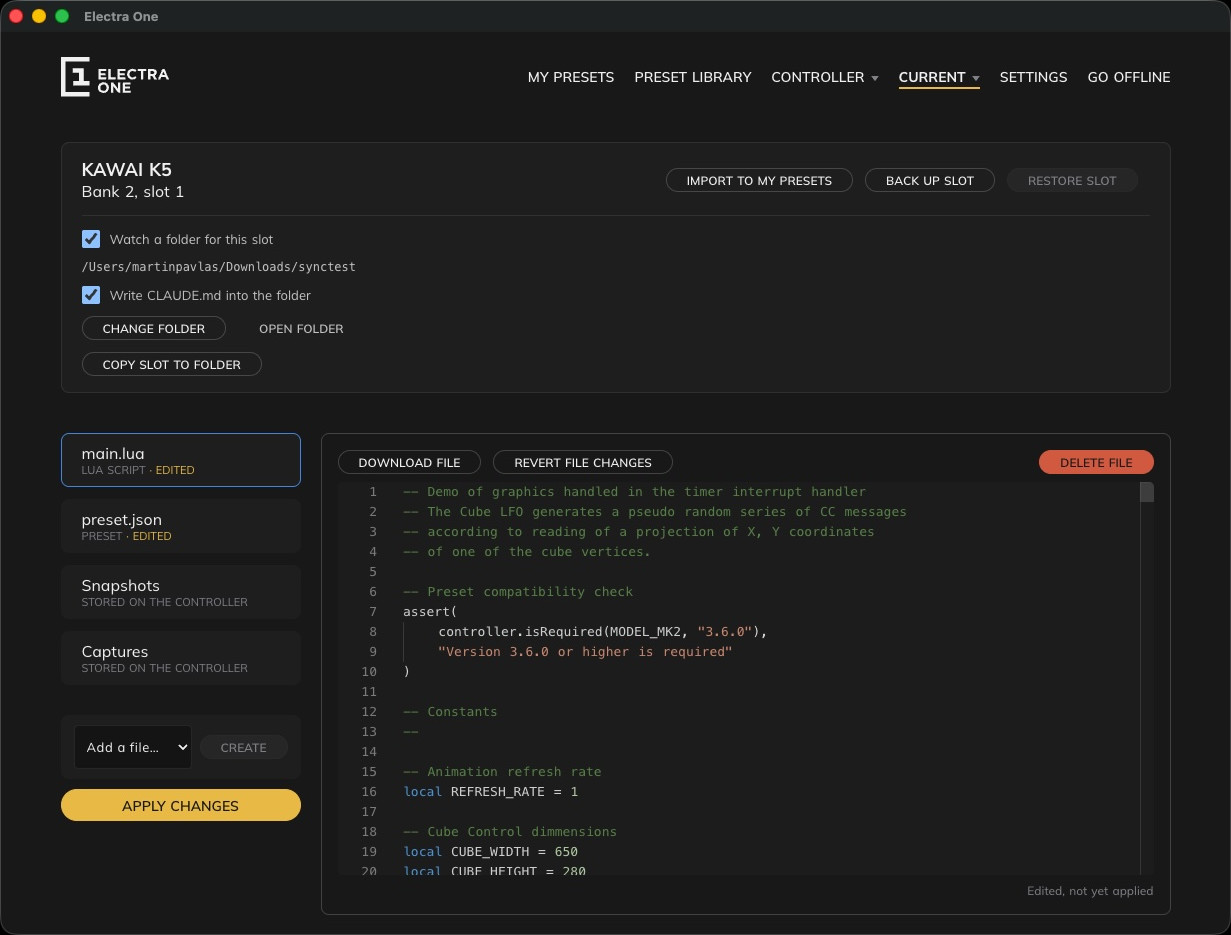
Every project, revision and Lua script is written as a JSON file into a library folder you choose. Files can be backed up, copied to other computers or shared with other users. No magic or hidden traps here. The same folder holds a CLAUDE.md you write in the app — how you like Lua, which controller is on the desk, what to leave alone — and both agents are handed it: the assistant built into the editor with every question, and a Claude Code session opened on your watched slot folder before it writes a line.
Your Anthropic API key is kept safe in the system keychain. No account sits behind any of it. The key is yours, billed to your own Anthropic account, and it never leaves the machine.

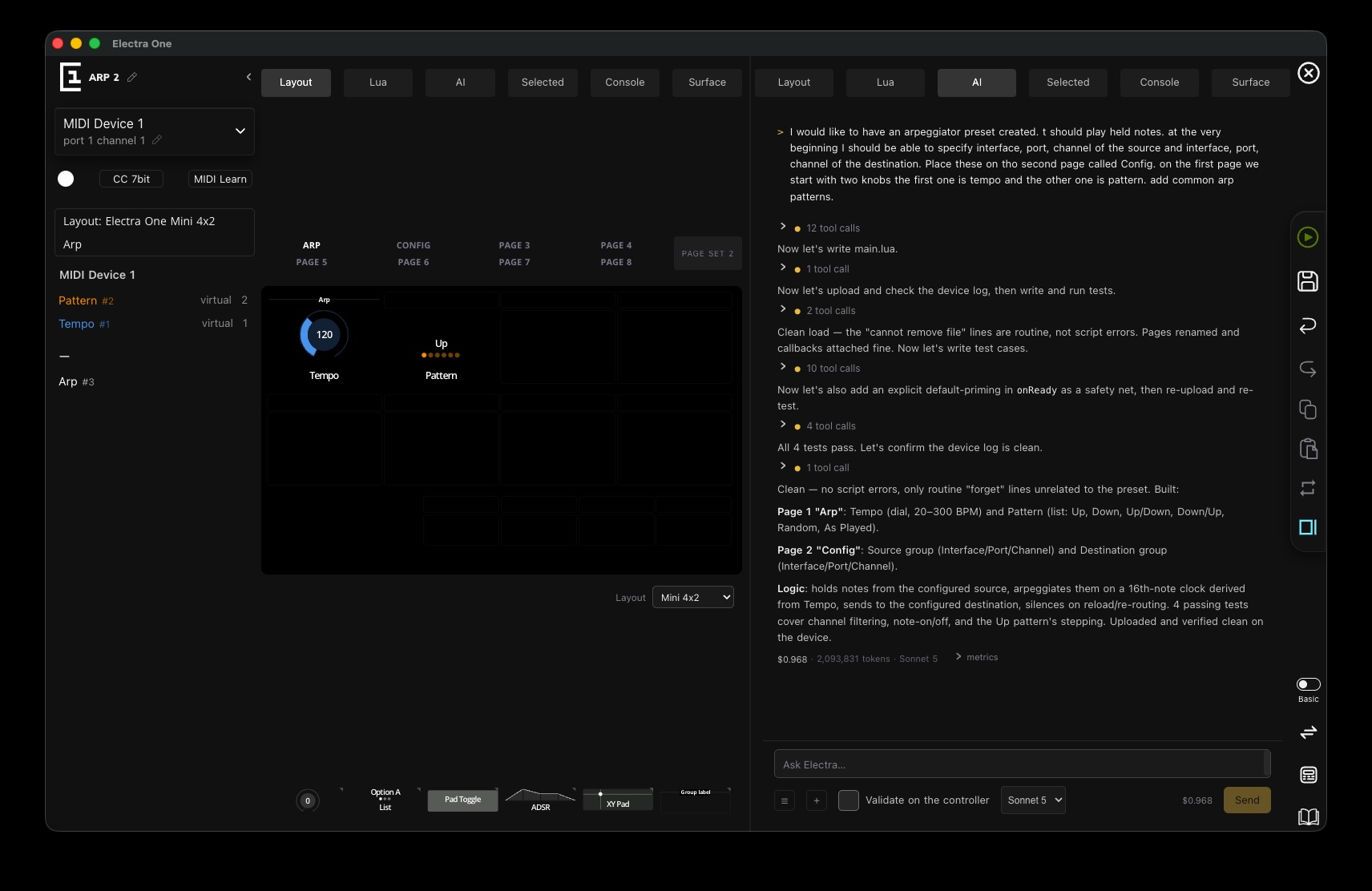
The whole session was one message: hold notes from a source you pick by interface, port and channel; send them to a destination picked the same way; put that routing on its own Config page; and give the first page two knobs, tempo and pattern, with the common arp patterns. The assistant wrote main.lua, uploaded it, read the controller’s log, wrote four tests, found and patched a missing default on its own, re-uploaded and confirmed the log was clean — without being asked again.
Total cost for that session: $0.968, on Sonnet 5. One prompt, fully working, verified on real hardware rather than hoped to be right.

Point the slot you are working on at a folder and the preset becomes an ordinary directory of files: keep it in Git, open it in VS Code, let Claude Code rewrite it. A change on disk is staged in the slot browser and waits for Apply changes, so nothing reaches the hardware until you say so.
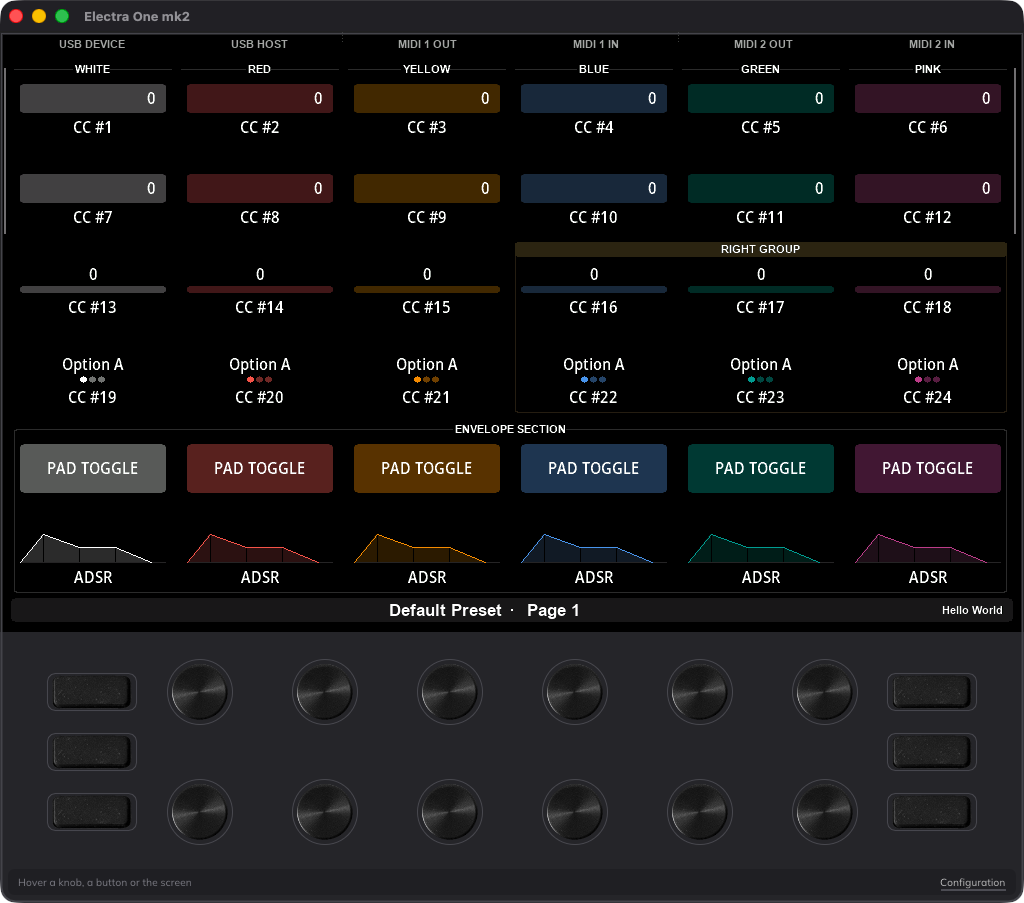
The app writes nothing into the folder except what is under .electra/: the result of a request, the controller’s log, the MIDI traffic and, when asked, a picture of its screen — which is how an agent sees what it just did.

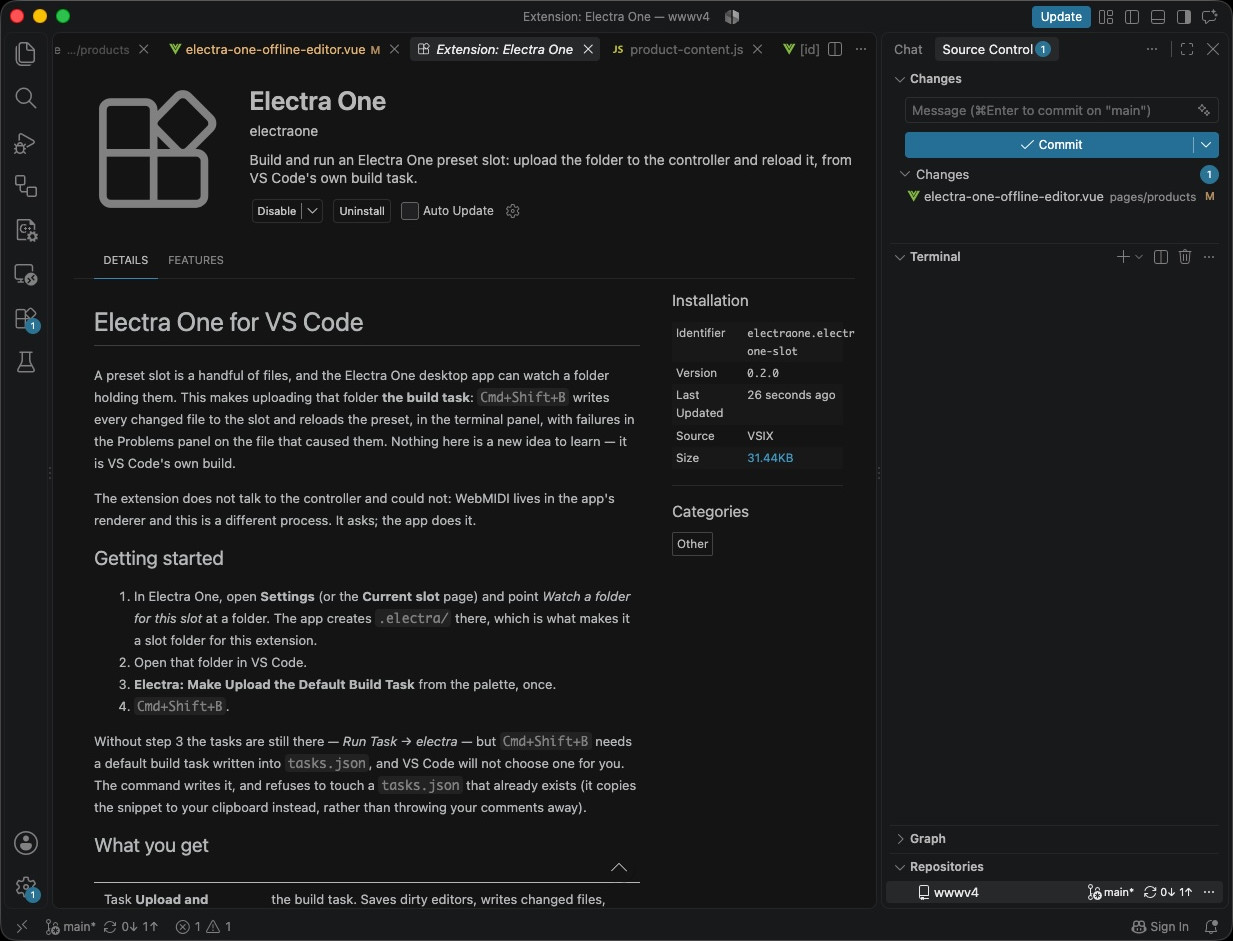
Simple, yet effective. Once a slot is watching a folder, the extension makes that folder an ordinary VS Code project and uploading it to the controller is a standard build task. One keystroke saves your open editors, writes every changed file to the slot, reloads the preset on the controller and runs the preset’s tests.
Three more tasks have shortcuts of their own:
The status bar says which preset the slot is running, and the controller’s log is printed after every upload.

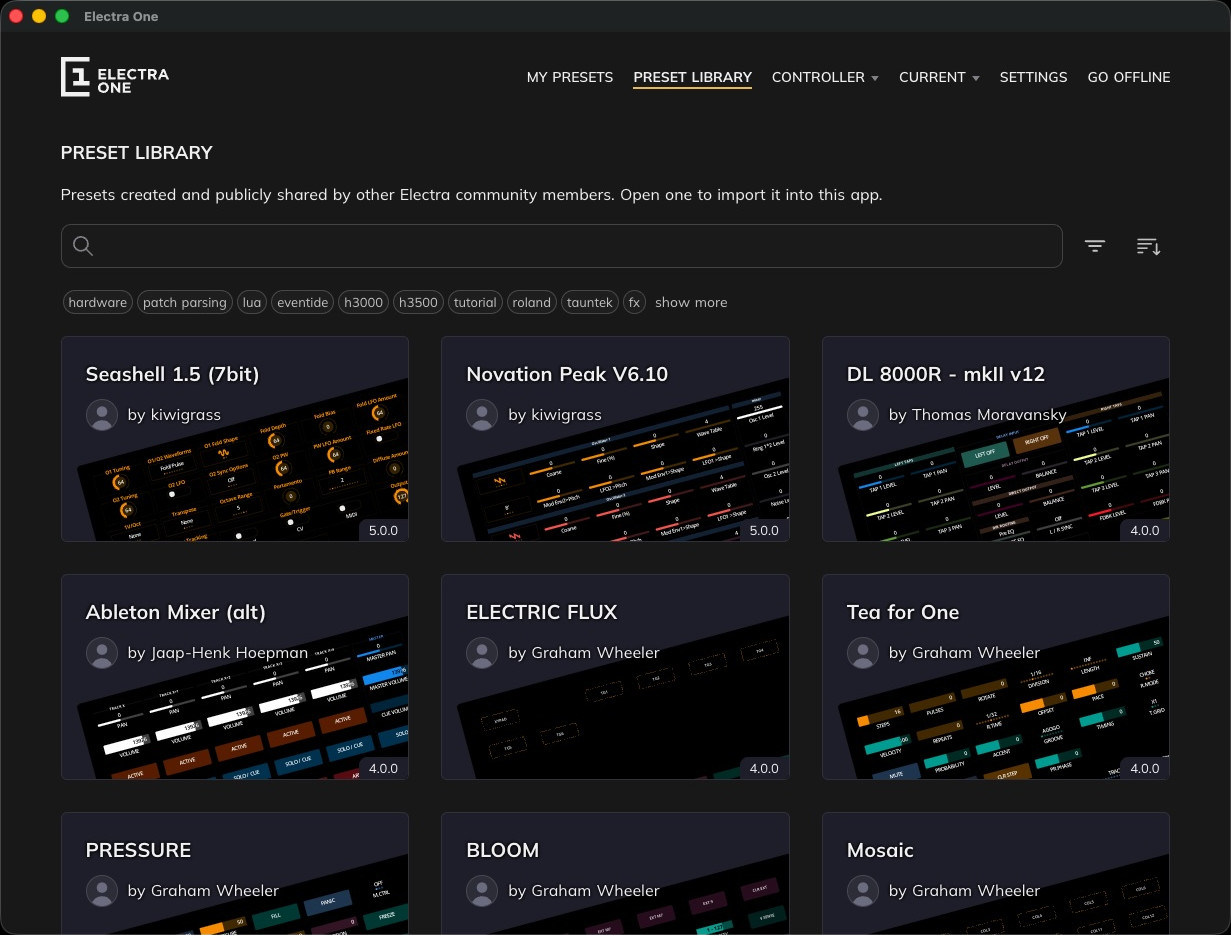
One click signs the app into your Electra One account and the shared preset library opens inside it — presets published by other users to search, open and import, and your own to upload and share back. Download a preset once and it is on your disk like everything else.
Go offline again when you want to quit the online mode.

Each copy of the Editor carries the complete firmware and factory data for your controller as it stood on the day you downloaded or updated the editor. A controller that no longer starts up properly can still be restored, with no network in the room and in a way that online editor can never do.
That also pins a version you trust. If a newer firmware ever misbehaves the night before a show, the one that worked is already on your laptop, and it will still be there in five years, when the controller has outlived whatever web service was supposed to look after it.
An internet connection is required for activation. Editing works offline after activation; Claude integration requires an internet connection and your own Anthropic API key.
One-time purchase for two seats. Online activation required. Software updates included.
You can use your own Anthropic API key. Included AI credits and third-party service charges are billed against your own AI plans.
Explore the other ways to work with Electra One.

The whole Electra One platform in a compact, knob-first controller. A 140mm / 5.5 in square that fits where a laptop will not.

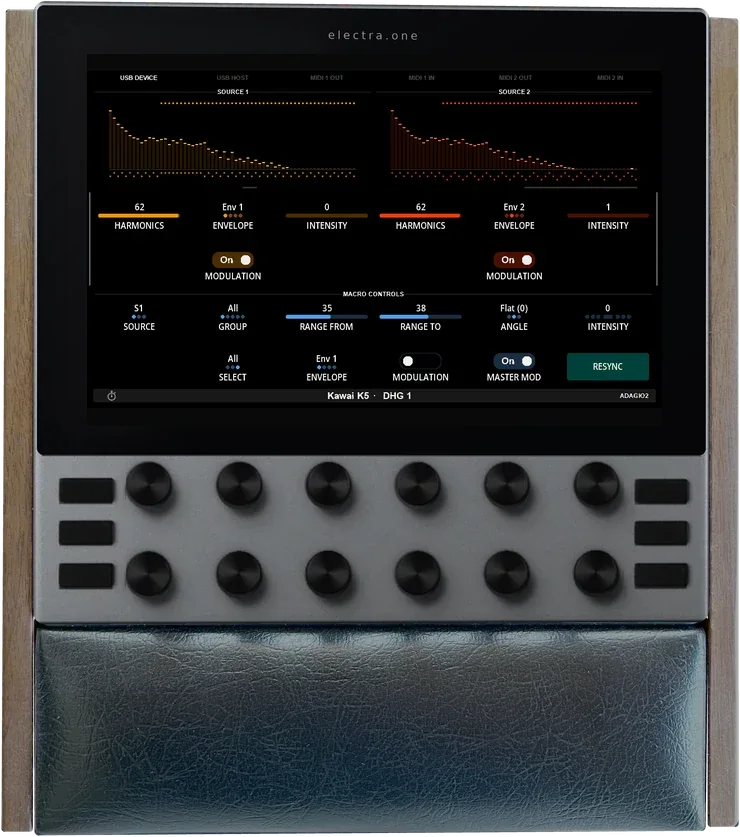
Six years of experience turned into a flagship MIDI controller. Ultra-low latency, stunning graphics, all connectivity you will ever need, and premium build quality.